Both editors are responsive and will load on all devices.
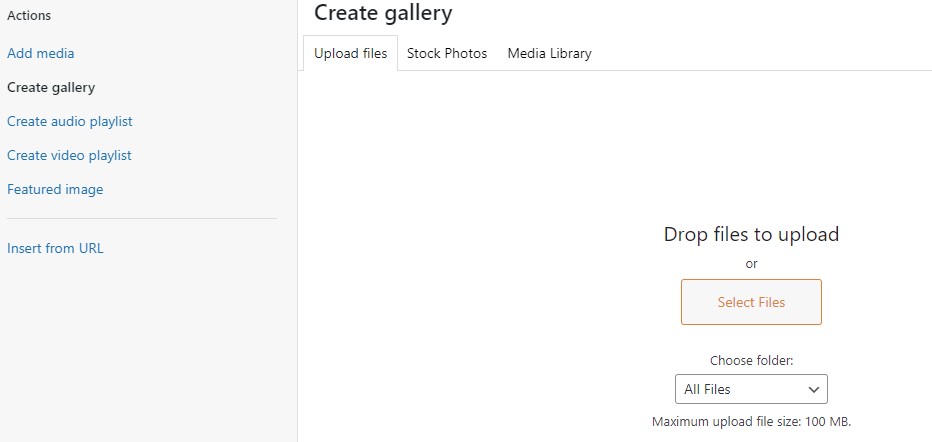
The WordPress Editor has many image tools that can make adding a few photos with a short description very easy.
The Divi Builder Gallery Module Editor provides additional custom page tools to create a unique page layout.
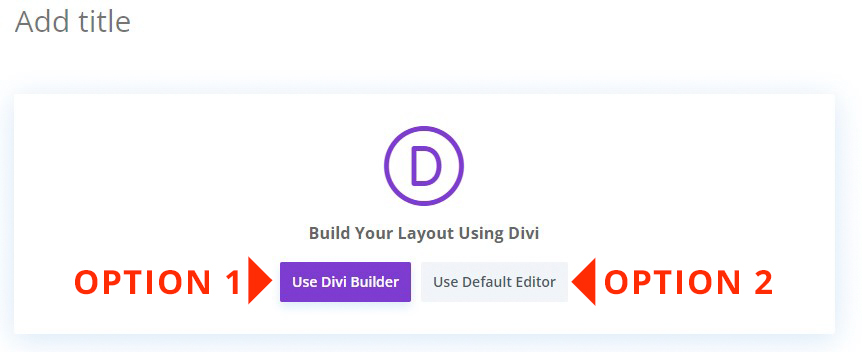
Step One – Add your Title Step Two – Select the Divi Builder or the Default Editor WordPress Gallery Block
Option 1 – Use Divi Builder
Adding a gallery using the DIVI Gallery Module provides you with all the tools to upload and share your collection of images into user friendly galleries.
To view the Image Gallery Module demo of Gallery Grids, Sliders, and Lightboxes.